Open the local Console
Use the Console when you want to work with the local AI Cockpit Reasoning CLI runtime from a browser. The command starts or reuses a local daemon and opens the browser interface connected to it.
aic console
The Console uses the same local project context and CLI configuration. It is another interface for the CLI, not a separate installation.
Control the local process
# Keep the Console attached to the current terminal
aic console --foreground

# Stop the local daemon
aic console stop
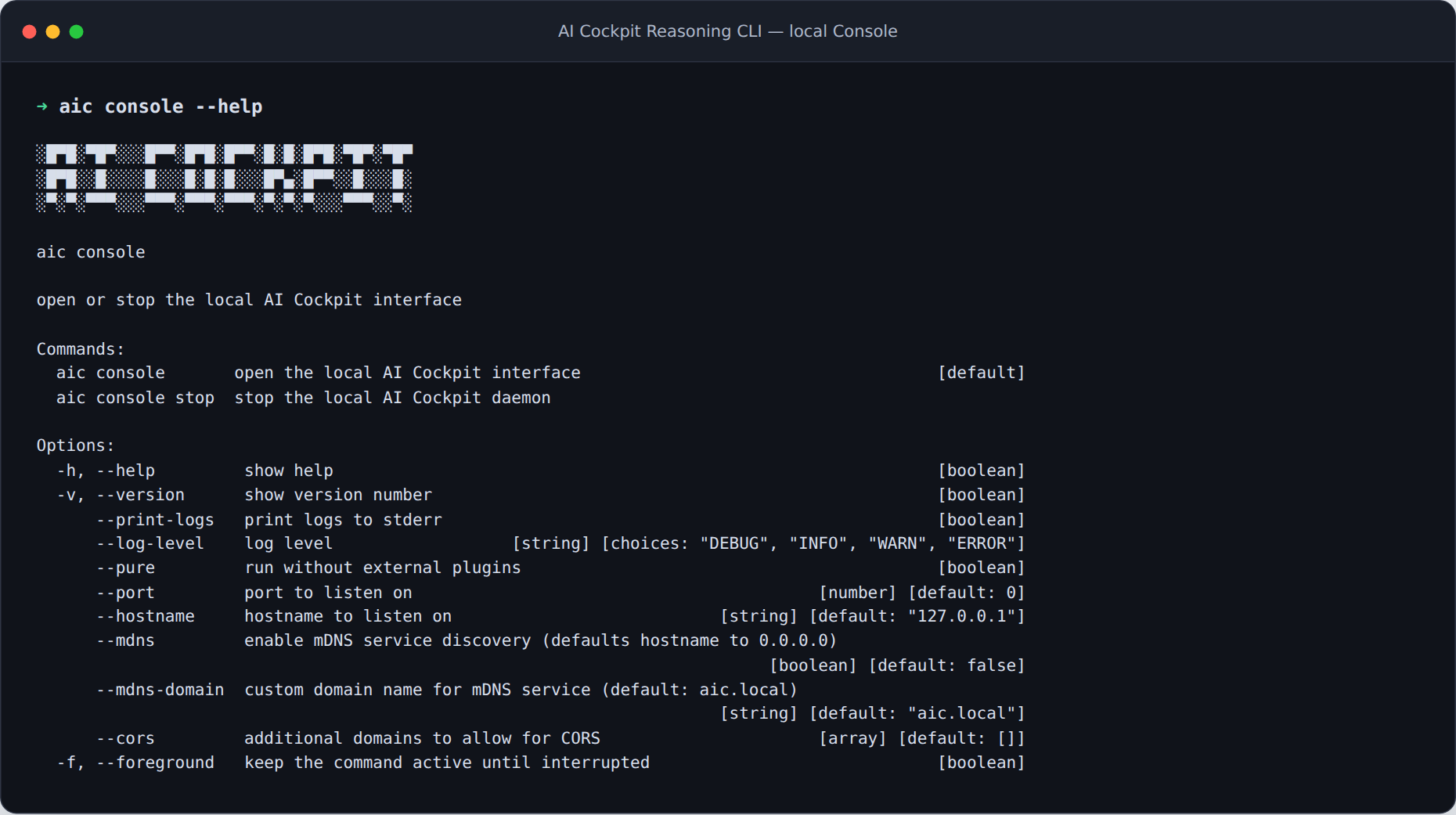
aic console opens the browser interface and manages its local daemon.
Use foreground mode when you want to watch logs directly or control the process with your terminal. Stop the daemon when the local Console is no longer needed.
For a terminal-only workflow, use the interactive terminal. For automation, use headless execution.