Exploring Agents
The dashboard is the main screen of Product AI. It shows all agents configured for your organization, each with a name and description to help you pick the right one for your task.
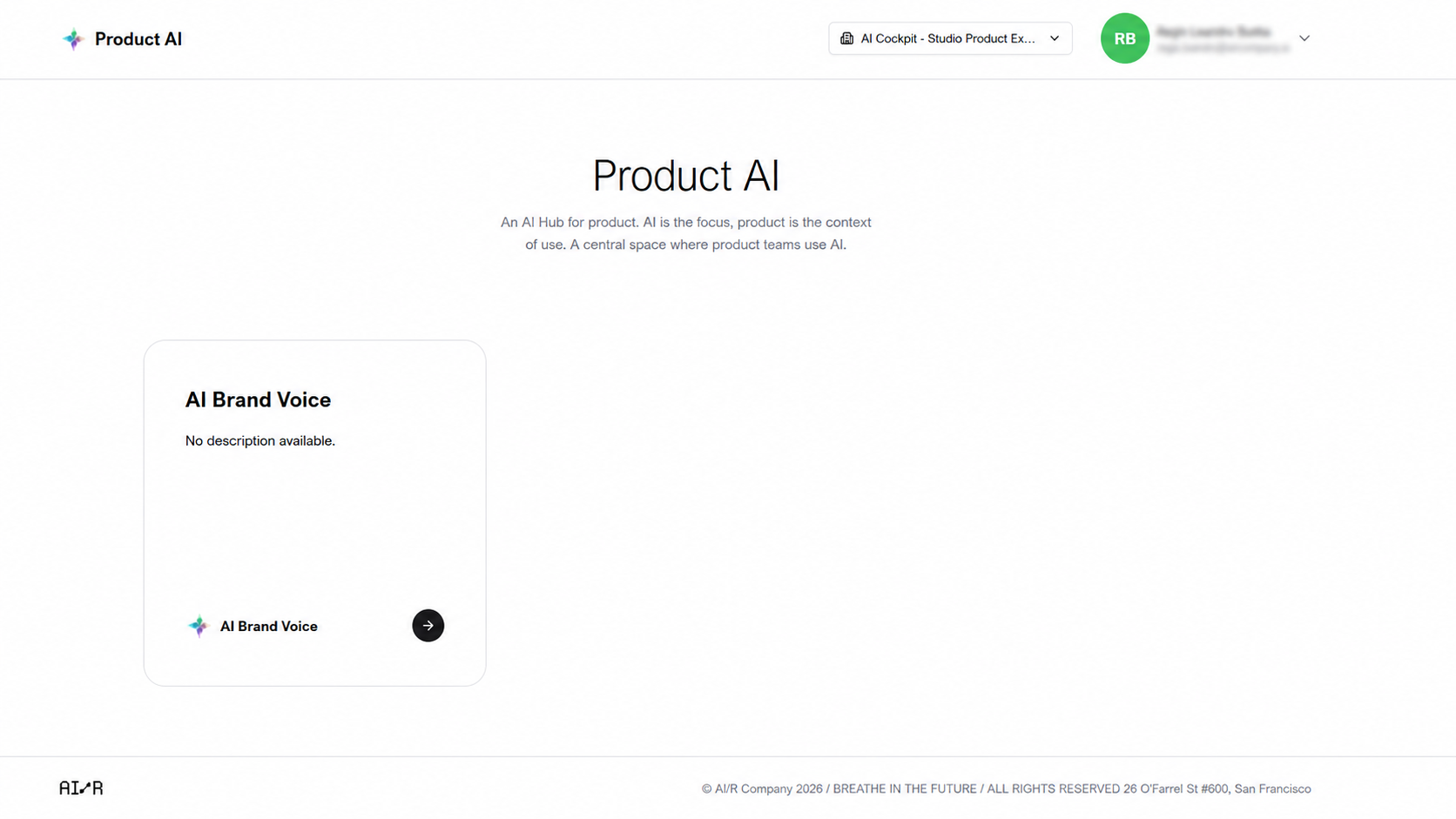
Agent Cards
Agents are displayed as a grid of cards. Each card shows:
- Icon — a visual identifier for the agent
- Title — the agent's name
- Description — a short summary of what the agent does
Read the description before starting a session to confirm the agent matches your task.
Starting a Session
- Browse the dashboard to find the agent suited to your task.
- Click the agent card to open its chat interface.
No agents visible?
If the dashboard is empty, no agents are configured for the selected organization. Contact your administrator or go to Managing Agents to create one.
Next Steps
- Chatting with Agents — interact with the selected agent
- Managing Agents — configure agents for your organization